
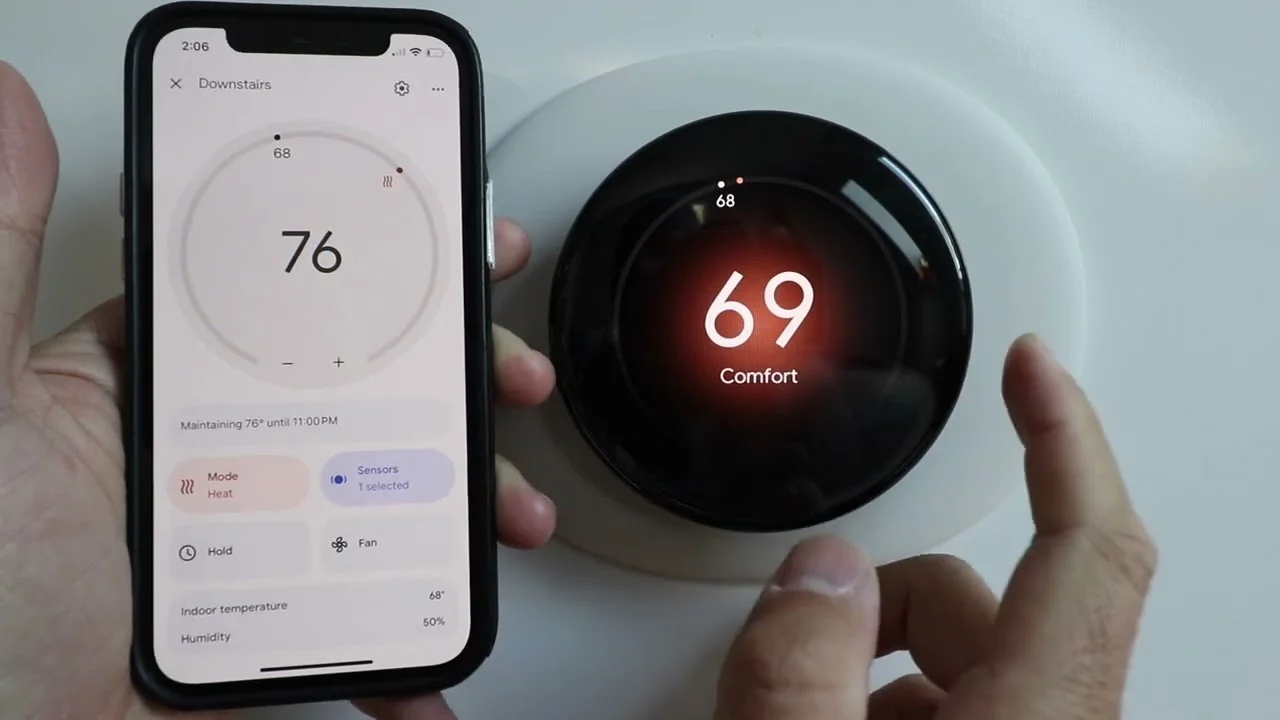
Shopping for the best Nest smart thermostats means deciding whether one thermostat can represent your whole home or whether separate room sensors are necessary. The right choice depends on HVAC compatibility, hot and cold spots, and how much scheduling control you want.
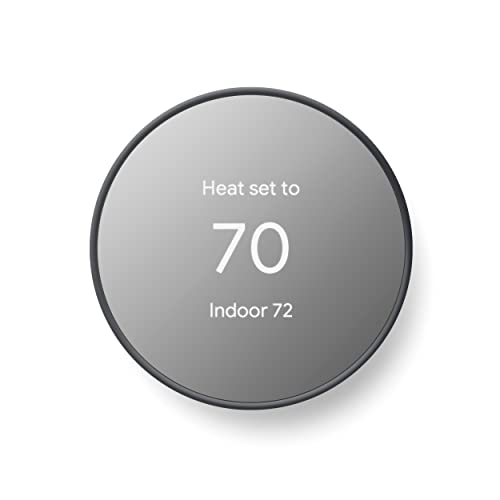
Pros
- ENERGY STAR certified for energy savings
- Remote control from phone, laptop, or tablet
- Programmable schedules in Google Home app
- HVAC monitoring with maintenance alerts
Cons
- C wire may be needed for some systems
- No lock feature for thermostat controls

Pros
- Three sensors for multiple rooms
- Wireless setup, shelf or wall placement
- Batteries last up to two years
- Supports up to six per thermostat
Cons
- Requires compatible Nest thermostat
- Communication range limited to 50 feet

Pros
- Three sensors for multiple rooms
- Battery lasts up to three years
- App scheduling for room temperatures
- Supports up to six rooms
Cons
- Works only with select Nest thermostats
- App needed for setup and control
Pros
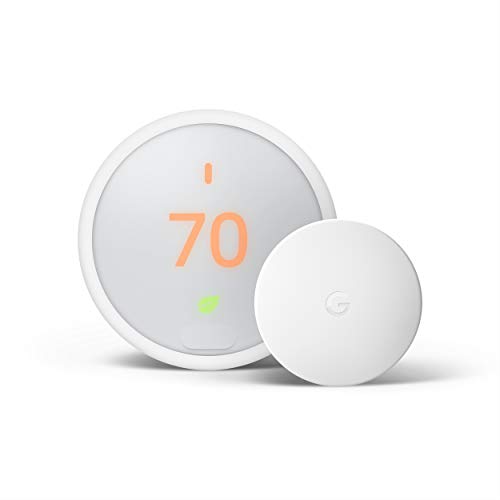
- Learns preferred temperatures and programs itself
- Included sensor supports room prioritization
- Home/Away Assist uses Eco Temperature
- Works with Alexa and Google Assistant
Cons
- Requires compatibility with supported heating systems
- Remote control requires a phone, laptop, or tablet

Pros
- Learns schedules and outdoor temperature effects
- Temperature Sensor included for hot and cold spots
- No C wire required in most homes
- Works with Google Home, Alexa, and Siri
Cons
- C wire may be needed in some homes
- System compatibility varies by heating setup

Pros
- Learns schedules and outdoor temperature patterns
- Up to 31% heating and cooling savings
- Works with most 24V systems
- Includes second-generation Nest Temperature Sensor
Cons
- Compatibility still requires checking your system
- Schedule changes require app approval
Start With HVAC Compatibility
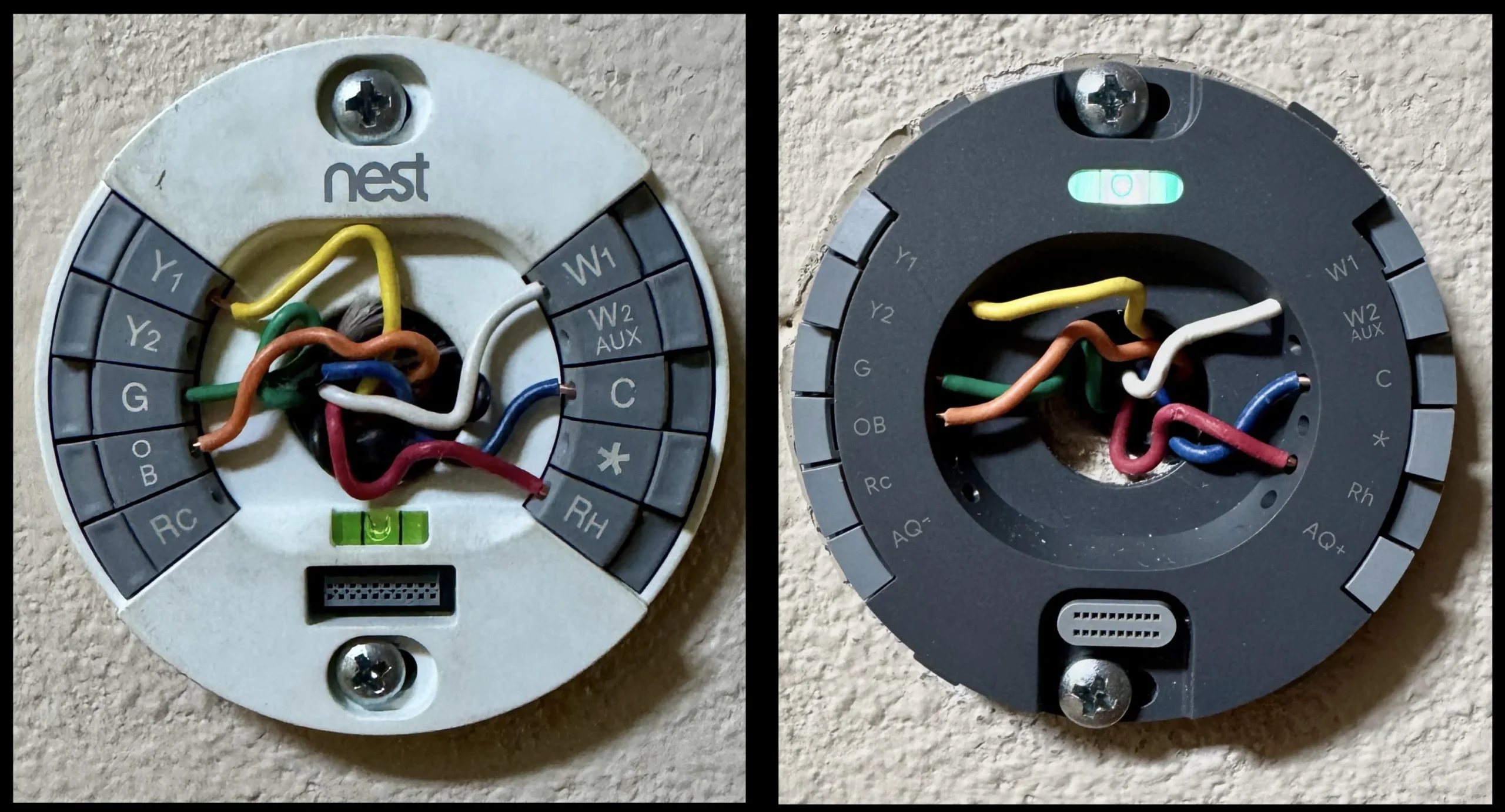
Check your heating and cooling setup before choosing a model. The Google Nest Thermostat is designed to work without a C wire in most homes, but heating-only, cooling-only, zone-controlled, and heat-pump systems may need a C wire or another compatible power accessory.
The fourth-generation Nest Learning Thermostat models support most 24V systems, including gas, electric, oil, forced-air, heat-pump, and radiant systems. Google still directs buyers to its compatibility checker, so use that before removing your existing thermostat. For broader home energy topics, you can also browse the Smart Energy & Climate Control category.
Check Before You Mount: Do not assume every Nest thermostat supports your wiring or system type. Confirm compatibility first, especially with zones, heat pumps, or systems that lack a conventional C wire.
Choose Between One Reading and Room Control
A thermostat measures conditions at its own location, which may not match a bedroom, nursery, or living room. A compatible Nest Temperature Sensor lets the thermostat use the temperature in another room, and the app can schedule which room to prioritize.
The original Google Nest Temperature Sensor 3 Count Pack communicates with compatible thermostats up to 50 feet away, supports up to six sensors per connected thermostat, and uses batteries that can last up to two years. The second-generation three-pack works with selected Nest Learning Thermostat and Nest Thermostat E models, offers scheduling in the Google Home or Nest app, and has a battery life of up to three years.
| Device type | Main distinction | Best placement |
|---|---|---|
| Thermostat | Controls HVAC system | Central wall location |
| First-gen sensor | Up to 50 feet | Priority room |
| Second-gen sensor | Up to six rooms | Hot or cold spots |
If room comfort is your main concern, confirm sensor compatibility rather than assuming every Nest accessory works with every thermostat. The Smart Thermostats category is useful when you want to compare this type of room-control setup with other thermostat options.
Match Features to Daily Routines
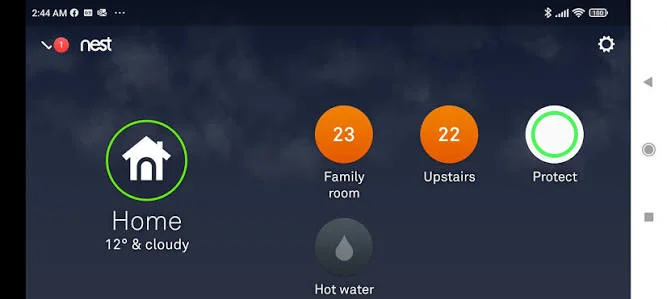
The Google Nest Thermostat focuses on scheduled control through the Google Home app, remote adjustments, Savings Finder suggestions, HVAC monitoring, and automatic adjustments when you leave. It is ENERGY STAR certified and works with Google Home, Google Assistant, and Matter-certified voice assistants.
The Nest Thermostat E adds a bundled temperature sensor, Home/Away Assist, Energy History, the Nest Leaf, and compatibility with several heating arrangements listed by Google. The fourth-generation Nest Learning Thermostat adds a larger display, Dynamic Farsight, permission-based schedule changes, natural heating and cooling, and a bundled second-generation sensor.
Expert Examined
From Ray Okafor

I keep seeing comfort problems caused by placing the thermostat where sunlight, a draft, or a frequently used doorway changes the reading. Put the main control in a representative location, then use a compatible room sensor when a specific bedroom or living area needs priority.
Read more about Ray OkaforVoice control can be convenient, but it requires a compatible smart device. If your home already uses Alexa, Siri, Google Assistant, or Matter devices, confirm the model and platform combination before relying on voice changes.
Which Nest Setup Fits Your Home
I would point renters and budget-focused households toward the Google Nest Thermostat – Smart Thermostat for Home when their system passes the compatibility check. Its schedule tools, remote control, HVAC monitoring, and automatic away adjustment cover the needs of a home that mainly requires one central temperature reading.
I would choose the Google Nest Thermostat E for a household that wants a thermostat and room sensor together, particularly where Home/Away Assist, Energy History, and room prioritization matter. Its stated compatibility includes combi boilers, heat-only boilers, heat pumps in heating-only use, zoned systems, and district heating with electrical control valves.
For a larger home with persistent hot or cold spots, I would favor the Google Nest Learning Thermostat (4th gen). The included second-generation sensor, support for additional Nest sensors, larger display, and natural heating and cooling make it the most feature-rich choice in this group.
The Bottom Line
The mistake most buyers make is treating a room sensor as a universal accessory. Sensor compatibility varies by thermostat, and the sensor changes which room supplies the temperature reading rather than replacing the thermostat’s HVAC controls.
If you only do one thing first, use Google’s compatibility checker with your existing wiring and HVAC details. Then decide whether the thermostat’s own location is representative or whether a compatible sensor should prioritize another room.
FAQs
A sensor is useful when the thermostat location does not reflect the room you care about most, such as a bedroom or living room. It can provide another room’s temperature to a compatible Nest thermostat and help you prioritize that space through the app. Place the thermostat in a representative central location, away from conditions that can distort its reading, such as direct sunlight or drafts. A separate sensor can go on a wall or shelf in the room where you want temperature priority. The Google Nest Thermostat is designed to work without a C wire in most homes, but some heating-only, cooling-only, zone-controlled, and heat-pump systems may need one or a compatible power accessory. Check system compatibility before installation. ENERGY STAR certification identifies products that meet applicable energy-efficiency requirements established through the program. The Google Nest Thermostat is described as ENERGY STAR certified, while its scheduling and energy-saving features are intended to help reduce unnecessary heating or cooling.Do I need a Nest temperature sensor?
Where should a Nest thermostat or sensor go?
Does a Nest thermostat need a C wire?
What does ENERGY STAR certification mean here?
Sources
- ENERGY STAR program www.energystar.gov
- U.S. Department of Energy www.energy.gov