
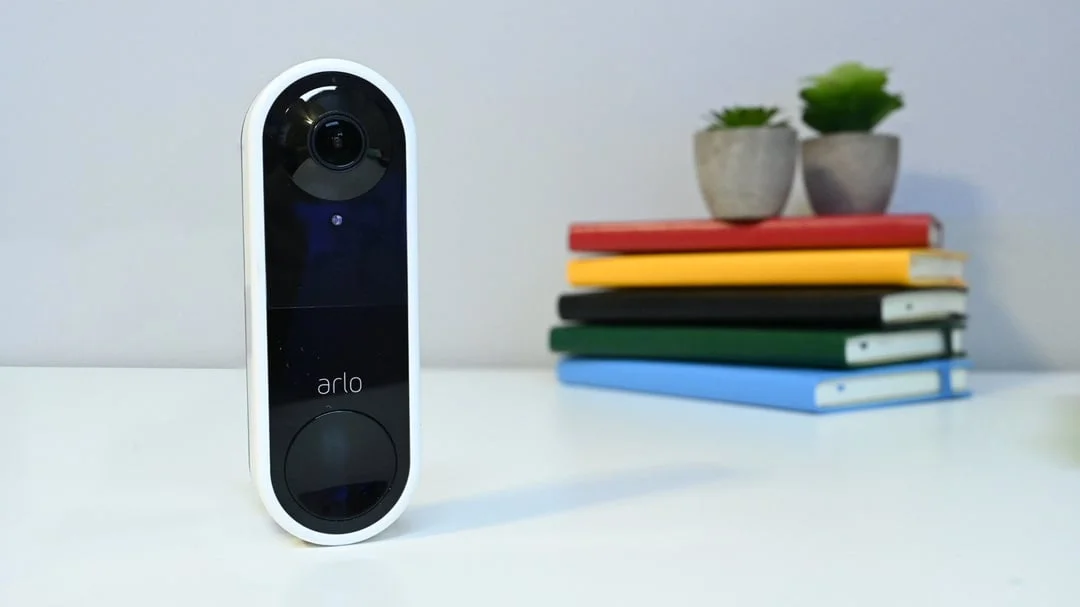
Shopping for the best homekit doorbell cameras gets easier once you settle the main split: Apple-only simplicity or broader smart-home support. Your wiring, preferred storage, and need for a head-to-toe view should decide which model fits the entry.
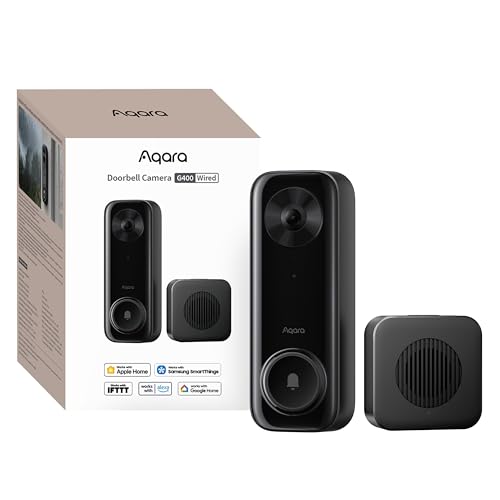
Pros
- 2K video with 165-degree head-to-toe view
- Local person and zone intrusion detection
- HomeKit, Alexa, Google, and SmartThings support
- PoE or 8–24V wired power options
Cons
- Requires wired power or PoE installation
- HomeKit needs iCloud+ and an Apple home hub

Pros
- 160-degree head-to-toe HD video
- HDR and color night vision
- Facial recognition with HomeKit Secure Video
- Two-way audio
- Works with existing indoor doorbell
Cons
- Apple HomeKit only
- Wiring and possible power tools required

Pros
- MmWave radar for more accurate human detection
- 2K wide-angle video with 2-way audio
- Built-in Zigbee and Matter hub
- HomeKit Secure Video and major ecosystem support
Cons
- HomeKit limits resolution to 1600×1200
- MicroSD card for local storage not included

Pros
- 180° panoramic view from ground to ceiling
- 9MP Ultra HD with color night vision
- AI tracking and automatic subject framing
- Local storage with no monthly fees
Cons
- Wired installation required
- SD card for expansion is not included
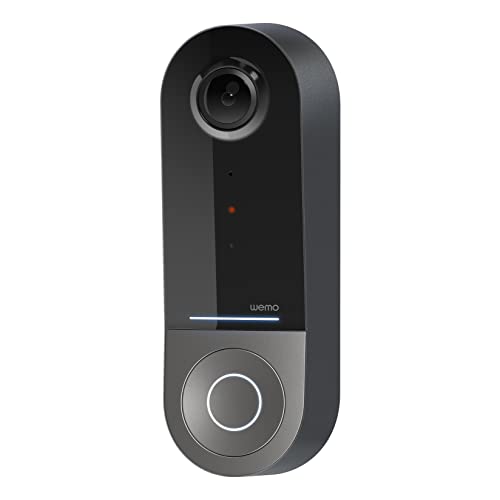
Pros
- 223° diagonal field of view
- Infrared video for dark conditions
- Apple HomeKit Secure Video support
- 2.4GHz and 5GHz WiFi bands
Cons
- Requires an existing 16-24V AC system
- Compatible only with Apple HomeKit
Start With HomeKit and Wiring
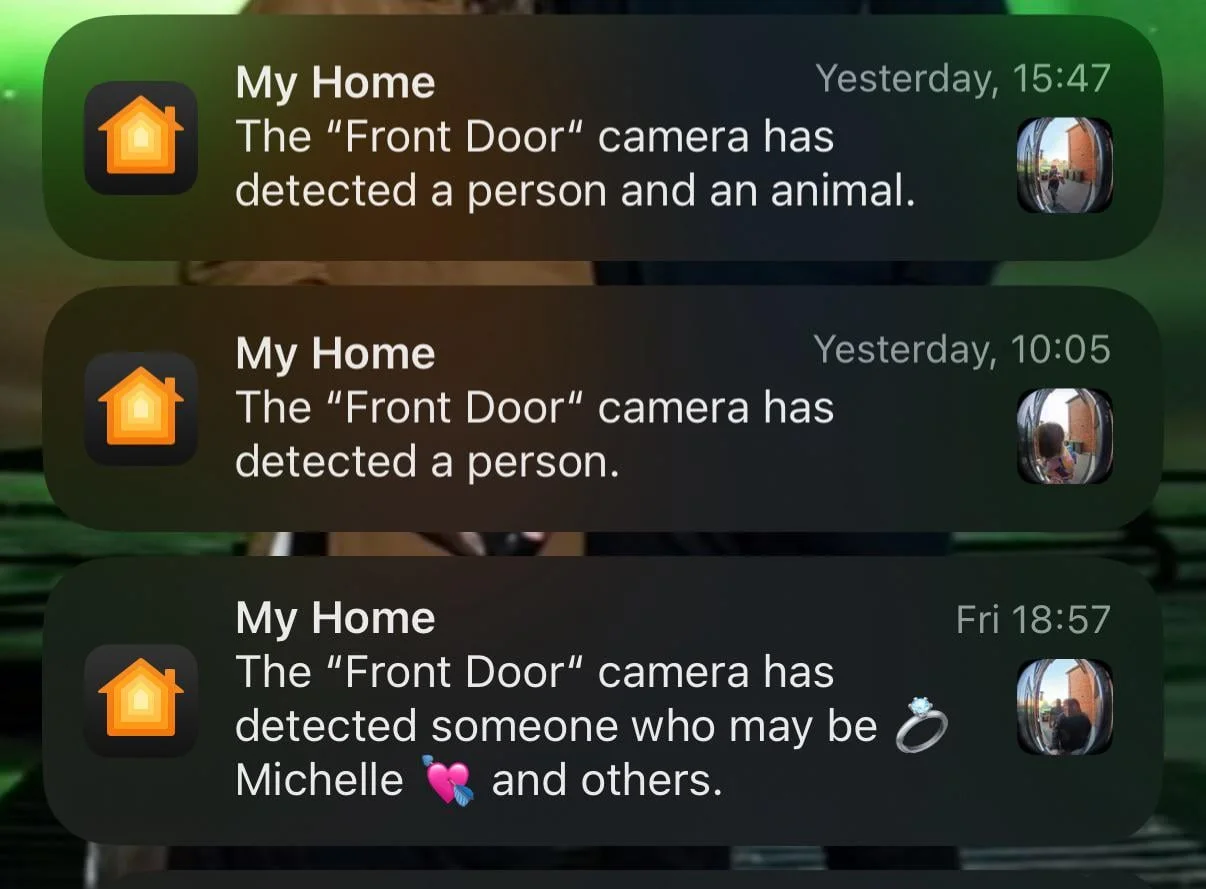
Every option here supports Apple HomeKit in some form, but the Logitech Circle View Apple HomeKit is designed exclusively around Apple HomeKit. It supports HomeKit Secure Video features such as facial recognition, activity zones, encrypted recordings, and notifications, although an iCloud+ plan and home hub are required.
The Aqara Doorbell Camera G400 with Chime, Wired/PoE offers a wider path for households that use Alexa, Google Assistant, SmartThings, RTSP, ONVIF, or an NVR. It can use PoE or existing 8–24V AC/DC wiring, while the Wemo Smart Video Doorbell requires a wired 16–24V AC doorbell system.
Pro Tip: Before buying, identify the voltage and wiring already at the door, then check whether your preferred HomeKit features require iCloud+ and an Apple home hub.
For installation details, review this explanation of what a doorbell chime kit does. A supplied chime can matter in homes where phones are not always nearby.
Match the View to the Entry
A narrow porch benefits from vertical coverage because packages and faces may sit at different heights. The G400 uses a 165-degree field of view with a 3:4 aspect ratio and 2K video, while the Logitech model uses a 160-degree view with head-to-toe HD video, HDR, and color night vision up to six feet.
The Wemo model emphasizes an especially wide 223-degree diagonal view, which may suit a doorway beside a walkway. The eufy Security 3K Wired Doorbell Cam S4 takes the widest approach with a 180-degree by 180-degree panoramic view, auto-framing, and AI tracking.
| View style | Notable feature | Suitable entry |
|---|---|---|
| Vertical | Head-to-toe framing | Package-focused porch |
| Panoramic | Wall-to-wall coverage | Wide approach |
| Apple-focused | HomeKit Secure Video | Apple-only household |
Mounting angle still affects what the camera sees. If visitors appear too low in the frame, use this advice on angling a video doorbell downward before changing the device.
Storage, Detection, and Privacy
Local storage separates several models from a cloud-first setup. The G400 records continuously to a microSD card up to 512GB and can back footage up to an SMB-compatible NAS. The G410 also accepts a microSD card up to 512GB, with the slot inside its chime, and adds local face recognition.
The Aqara Smart Doorbell Camera G410 with Chime uses mmWave radar for more accurate human-presence detection and includes a built-in Zigbee and Matter hub. That makes it particularly relevant if the doorbell should coordinate with sensors, lights, or locks without requiring another hub.
Protect the Wiring: Never connect a wired doorbell to an incompatible power circuit. Confirm the existing system requirements before removing the old unit, and use a qualified electrician if the wiring is uncertain.
Expert Examined
From Ray Okafor

I keep seeing doorbell problems caused by choosing the camera first and checking the entryway second. I would measure the existing wiring, note where packages land, and check the likely viewing angle before deciding which feature matters most.
Read more about Ray OkaforFor broader placement and maintenance advice, keep the lens clear and follow these steps for cleaning a doorbell camera lens safely.
Which Doorbell Fits Your Home
I would point Apple-only households toward the Logitech Circle View Apple HomeKit when HomeKit Secure Video features, face recognition, HDR, and color night vision matter more than support for other ecosystems. It is a wired replacement, so compatibility checking and electrical preparation belong at the start of the decision.
I would put the Aqara Doorbell Camera G400 with Chime, Wired/PoE at an entry where reliable power, local recording, and flexible integrations are priorities. Its PoE option, Wi-Fi 6 support, local person recognition, 165-degree head-to-toe view, and NAS backup give it a practical role for a more advanced setup.
For a household building around Matter, Zigbee, or Home Assistant, I would choose the Aqara Smart Doorbell Camera G410 with Chime. Its built-in hub, mmWave detection, indoor chime, and local face recognition make it the most focused choice for connecting the doorway to other smart devices.
The Bottom Line
The mistake most buyers make is treating HomeKit support as the whole decision. Wiring limits, required iCloud+ equipment, storage preferences, and the shape of the entryway can matter just as much.
If you only do one thing first, inspect the existing doorbell wiring and measure the area you need to see. That immediately narrows the choice between wired models, PoE-capable hardware, and cameras built around a wider or more vertical view.
FAQs
A panoramic model can cover more of a broad approach, while a vertical view is useful when packages and faces sit at different heights. The eufy model offers a 180-degree by 180-degree view, and the Wemo model lists a 223-degree diagonal field of view. The listed models are wired doorbells, although the G400 can use PoE or 8–24V AC/DC wiring. The Wemo model specifically requires a wired 16–24V AC doorbell system, so confirm compatibility before installation. The Aqara G400, Aqara G410, and Logitech model state that iCloud+ and an Apple home hub are required for HomeKit Secure Video. Requirements can differ from local recording options, so check how you plan to store footage. IP65 indicates dust and water resistance for the Aqara G400. It does not remove the need for suitable mounting, correct wiring, and regular lens cleaning in exposed locations.Which type of HomeKit doorbell camera suits a wide porch?
Do these doorbells require existing wiring?
Do HomeKit Secure Video cameras need iCloud+?
What does IP65 mean for a doorbell camera?
Sources
- Apple and HomeKit Secure Video information. www.apple.com
- UL Solutions and electrical safety information. www.ul.com